
Make a puzzle from your photo
Yes. Puzzia turns a personal photo into a jigsaw puzzle. The photo is sent to our server for checking and cutting into pieces; you can also submit the work to the catalogue. The cleaned photo is stored for seven days and is visible only to you and people you invite to the room.
A photograph that makes a good puzzle
A pet by a window, a colourful market or a familiar street gives you several things to recognise as you sort. Crop away a wide empty sky before you start: a large area of one colour is much harder to place than the subject itself.
For a first attempt, choose a picture with a clear outline and distinct areas of colour. Start with the edge, then collect pieces around one recognisable detail. The catalogue examples below show the puzzle format; they are not claimed to be conversions of your photograph.
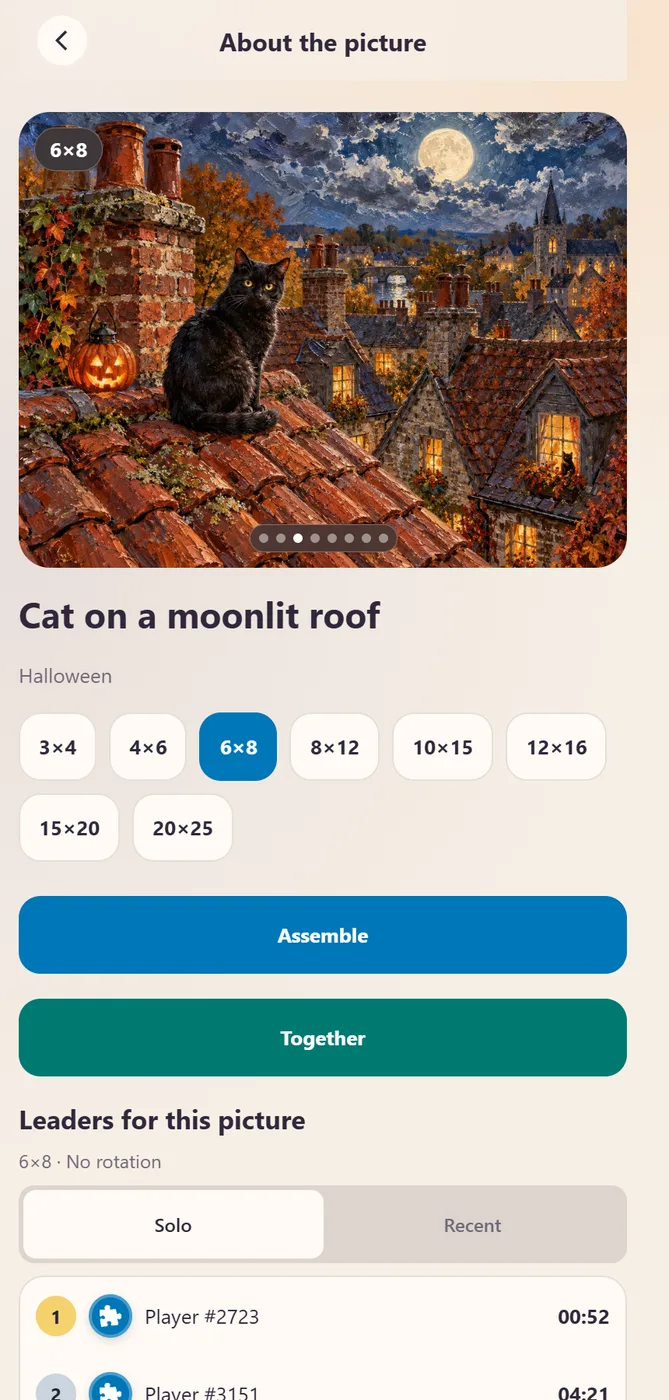
Examples and app screens
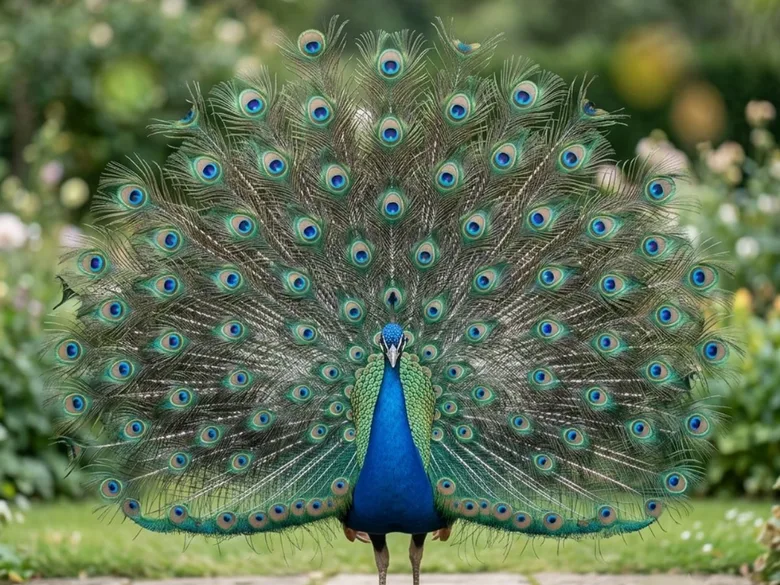
These published examples show the app or its catalogue. They are not a live room and do not show a conversion of your own photo.
How it works
- Choose a photo from your device in Puzzia.
- Puzzia sends the photo to our server for checking and cutting into jigsaw pieces.
- Move and join the pieces to rebuild the picture.
- The finished puzzle stays in your works next to catalogue puzzles.
Colovia · Puzzia: Price confirmed for Colovia and Puzzia: the first picture made from a photo is free; each following one costs 100 points. Current limits are shown in the app before creation.
Open PuzziaLive picture examples
The examples below show what pictures in this format look like.


Choose a photo that is fun to solve
Start with a clear subject and recognisable details. Read our guide to choosing a photo for a jigsaw puzzle, then try the sorting and solving tips when you begin.