Make a horror picture from your photo
Yes. Scaria darkens a personal photo into a horror-styled scene and turns it into a colour-by-number picture. The whole conversion happens on the device.
Build atmosphere around one clear subject
A doorway, an old toy or a tree against the evening sky can suggest a story without filling the image with detail. Keep the main shape visible: making everything dark can hide the very feature you wanted to colour.
Compare a close crop with the full scene before choosing your image for Scaria. Start with a distinct part of the subject and let the background develop around it. The catalogue artwork shows the app’s visual direction, not a guarantee that every uploaded photo will look the same.
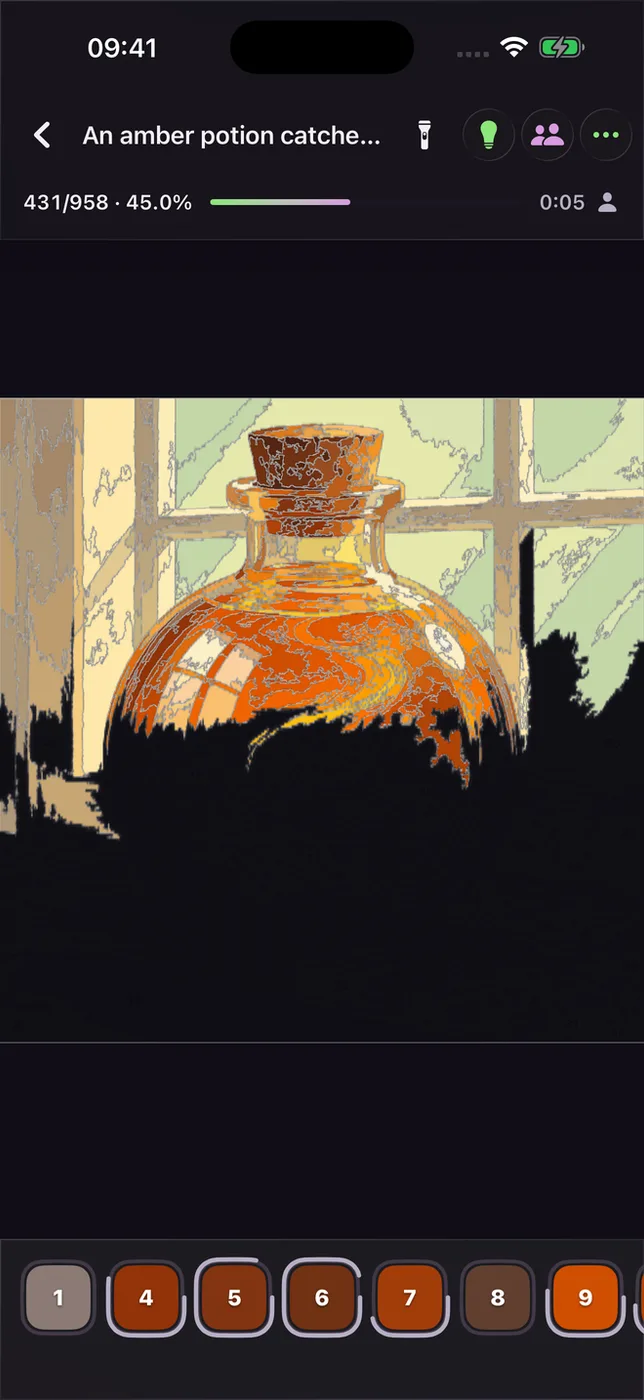
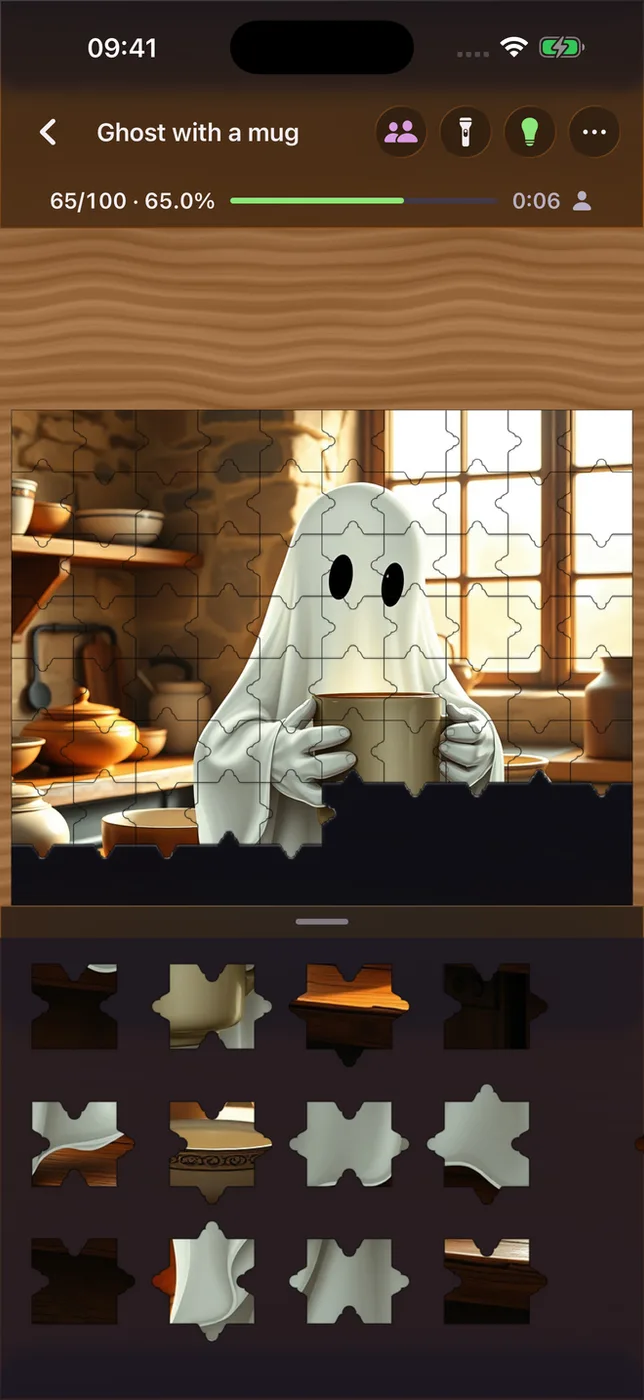
Examples and app screens
These published examples show the app or its catalogue. They are not a live room and do not show a conversion of your own photo.
How it works
- Upload a photo to Scaria.
- Scaria darkens it into a spooky paint-by-numbers picture.
- Follow the numbers and colour each area to finish the scene.
Live picture examples
The examples below show what pictures in this format look like.