
A favorite photograph is not automatically an enjoyable jigsaw puzzle. A beautiful blue sky may turn into many almost identical pieces, while a busy family photograph may contain faces too small to recognize after cropping. Choosing a photo for a puzzle means considering the whole image and the information available inside each small part of it.
Start with the experience you want. A personal gift might center on a familiar place; a short solo puzzle might work better with a close view of one object. This guide explains that image choice. The photo puzzle page explains where to start creating one in Puzzia. The illustrations below are existing Puzzia catalogue artwork used to discuss composition; they are not claimed to be photographs uploaded by a customer.
Look for several recognizable landmarks
A useful photo has more than one clue. Imagine a garden table with a yellow cup, a striped cloth and a plant. Even after the picture is divided, a piece may show the cup edge, a stripe or a leaf. Those details help you decide which area it belongs to. A close photograph of the same plain tabletop gives you fewer ways to distinguish pieces.
You do not need to fill every corner with objects. Too much detail can become visual noise, especially on a phone. Try for a clear main subject with a few secondary features. Look at the photo at the approximate size you will use for the puzzle, rather than inspecting only the full resolution image on a large monitor.
Separate subject and background
Contrast includes differences in brightness, color and shape. A dark dog against dark furniture can be difficult to distinguish, even if the original photo feels meaningful to you. The same dog against a light path has a clearer outline. That outline creates useful puzzle clues because pieces along it contain information from both the animal and its surroundings.
Before editing, compare another photo from the same moment. Selecting a better original is often simpler than trying to rescue a confusing composition. Avoid pushing contrast until dark areas lose detail or bright areas become empty white patches. Your aim is to preserve recognizable information, not to make the thumbnail look dramatic at the expense of the individual pieces.
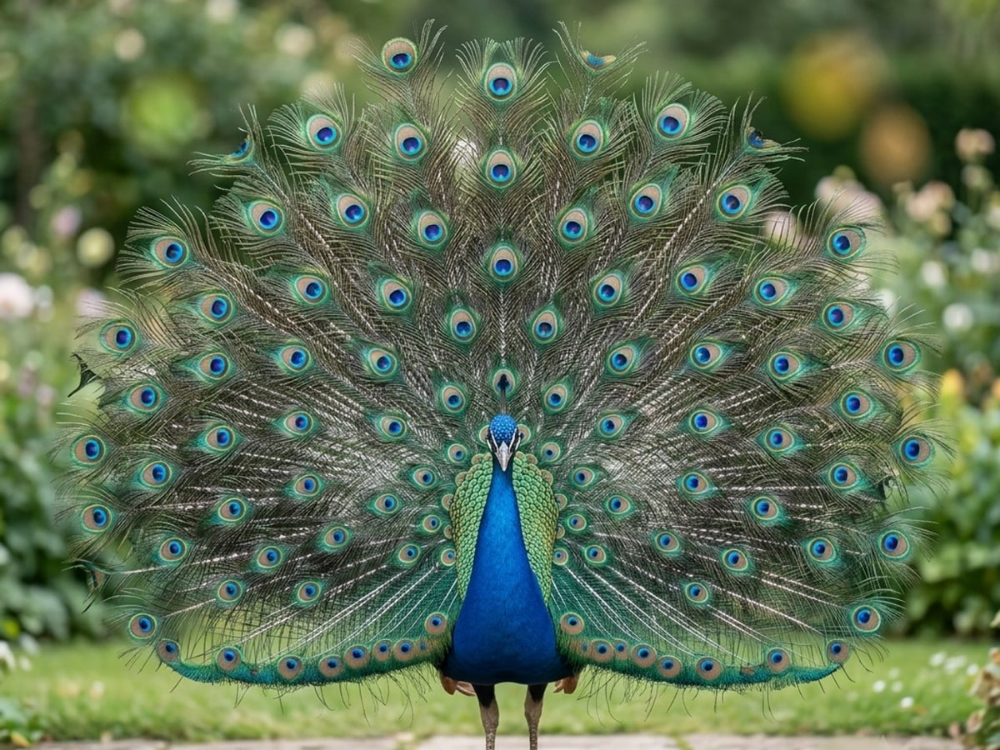
Crop for the puzzle shape before committing
Check how the selected layout frames the photo. A wide landscape and a tall portrait contain different proportions; filling one shape with the other can remove important parts of the image. Inspect the preview for cropped heads, missing paws, cut lettering or a landmark pressed against the edge. Leave enough space around the subject for the chosen frame.
Cropping can also improve a weak puzzle. Removing an unnecessary strip of blank wall may give the main subject more room. However, a very tight crop can eliminate the surrounding clues that make a face or object recognizable. Compare the uncropped image with the preview and choose deliberately. Do not assume the app's initial crop is the best artistic or practical decision.
Treat faces and text as demanding details
For a portrait, ask whether the eyes, mouth and outline remain recognizable in the preview. A face occupying a small fraction of a large group photograph can be divided into fragments that contain little useful information. A closer picture of one or two people may create a clearer puzzle, especially with a modest piece count.
Text introduces another problem: small lettering can become hard to read, and a slight crop can remove a word entirely. If a sign matters to the photo, keep it large enough to inspect in the preview. If it does not matter, consider whether it adds unnecessary clutter. Always use a photo you have permission to upload, and consider the wishes of people shown in it before sharing a puzzle link.
Balance distinctive areas with repeated areas
A beach photo may contain an interesting building, a person and a very large expanse of sky. The first two features give you clear starting points. The sky is likely to take a different kind of sorting. Decide whether that balance sounds enjoyable before choosing the largest layout. Repetition is not a defect, but it changes the activity.
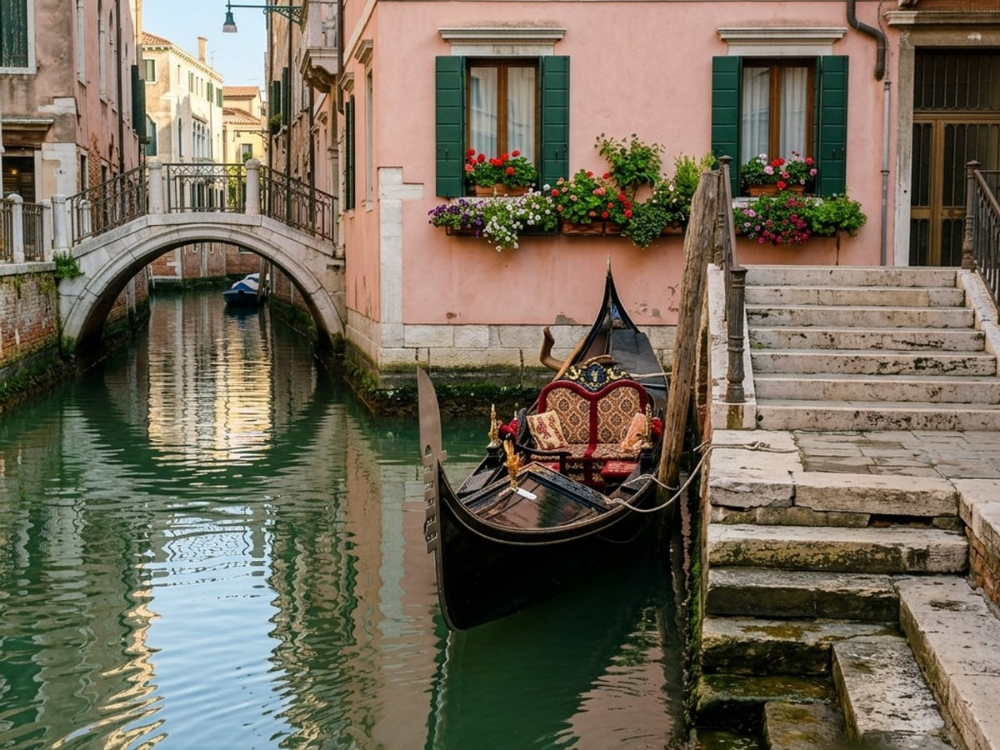
The canal image below illustrates several kinds of clue: architecture, water and reflections. In your own photo, look for similarly distinguishable regions. You can make a quick mental plan by naming three areas and describing how one differs from the next. If every description is “more of the same,” try a smaller layout or another photograph.
Choose detail and piece count together
The number of pieces should suit both the picture and the person solving it. More pieces divide a feature into smaller fragments, so a familiar object can become much less obvious. A smaller layout is useful for checking whether your photo remains readable. It is also a reasonable final choice for a short activity; a personal image does not need a difficult layout to be meaningful.
Inspect the options offered by the current version of Puzzia. Available layouts and creation conditions should be read in the app before confirming. Avoid choosing on the basis of a remembered price or a layout shown for a different picture. The product page provides the current route into the app, while the creation preview is where you assess this particular photo.
Test the experience before sharing
Try placing a few pieces yourself. Check whether the subject is clear, the crop is comfortable and the intended recipient can use the selected layout. If the image is difficult for reasons you did not intend, change the photo or reduce the complexity. Keep the original file so you can return to it without repeatedly editing an already cropped copy.
For solving techniques after creation, use the jigsaw sorting guide. For an activity with a child, compare the choices in coloring and difficulty by age. A good photo puzzle begins with a recognizable image and a considered audience. Its personal value comes from the picture and the shared experience, not from a promise that it will be easy or finished within a particular time.