
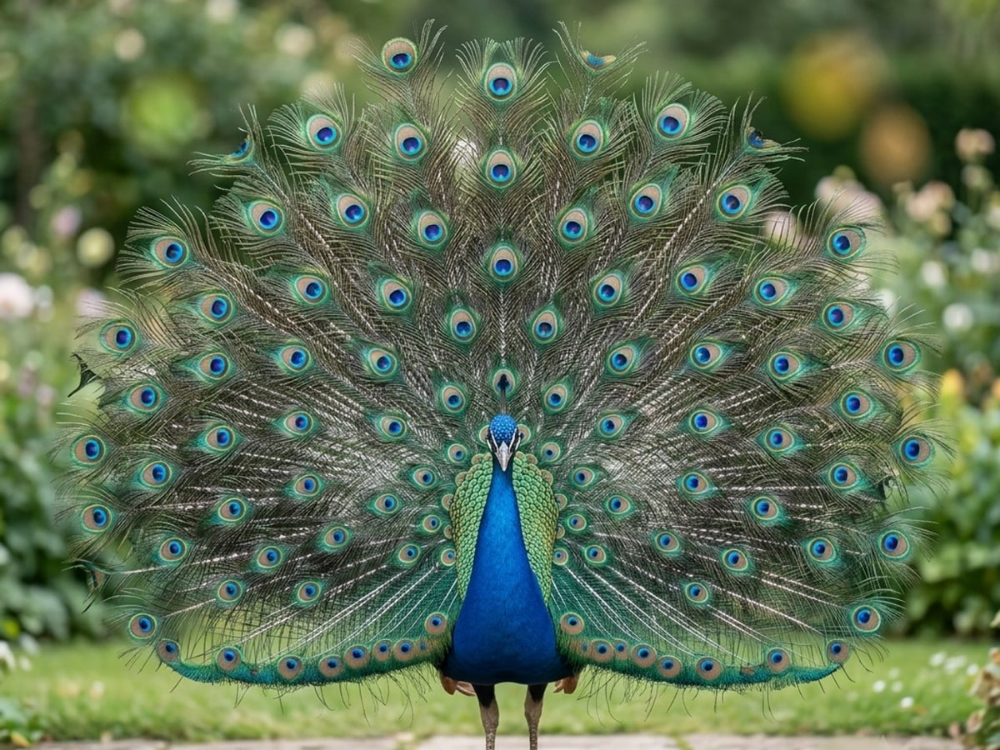
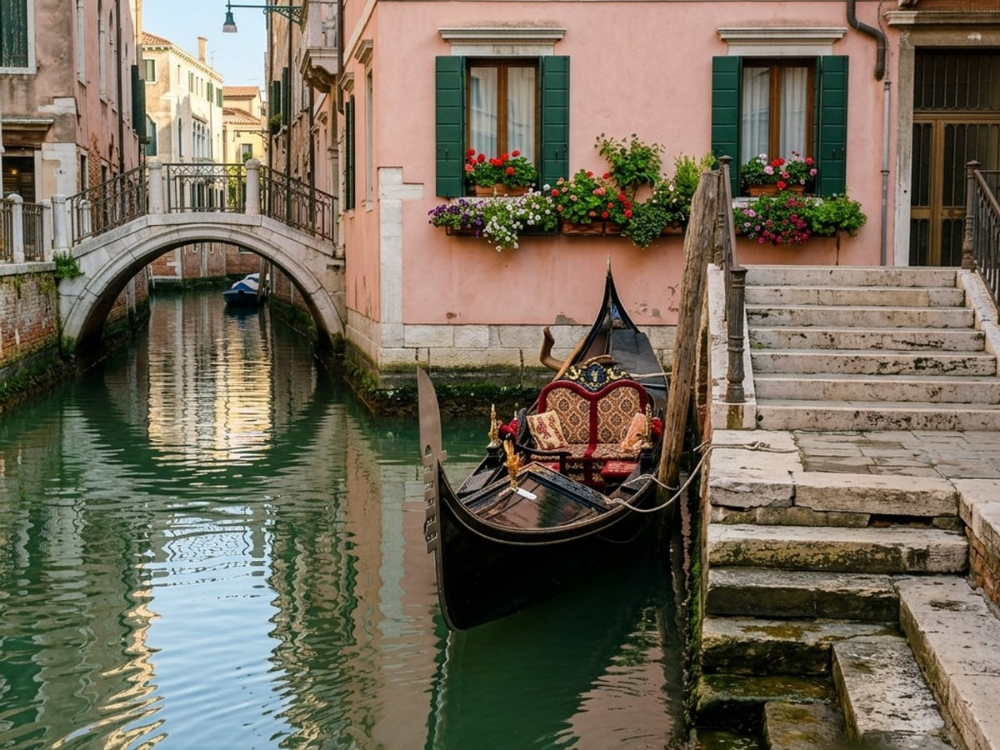
A useful jigsaw puzzle strategy starts before you place a piece. Look at the complete picture and decide which parts you can recognize when they are separated. A bright bird, a building edge or a line of water gives you a starting point. A picture full of similar leaves asks for a different approach. Sorting helps because it reduces the number of pieces you need to consider for each position.
This guide is about solving a picture, rather than choosing a photograph or creating a custom puzzle. The examples come from Puzzia, the Artia Club jigsaw app. You can apply the same observation process to a physical puzzle, although trays, movement and piece selection work differently on a screen. Treat any time you save as a bonus; completing a difficult patch is useful progress even when the whole puzzle remains unfinished.
Read the picture before sorting
Spend a moment with the reference image. Name three or four areas that look different: the bird, the dark background, the water and the buildings, for example. Then look for boundaries between them. A piece containing both a bright wall and blue water is more informative than a piece containing only blue. Boundaries tell you which groups can eventually connect.
Avoid creating a separate group for every shade. You would spend more effort maintaining the groups than using them. Start with broad, recognizable features. Keep uncertain pieces together until you have enough context to classify them. An honest “not sure yet” group is more useful than confidently sorting a shadow into the wrong part of the picture.
Use the edge when it gives you information
Straight sides can help you locate border pieces in a conventional rectangular jigsaw. Separate obvious corners and edges, then compare their picture content. A border is more useful when it tells you where a recognizable feature belongs. Connecting several pieces of the same plain edge may establish the outline without explaining much about the interior.
You do not have to finish the entire frame before moving on. If two border pieces look almost identical, leave that uncertainty open and assemble an obvious object. The object may later show which edge it meets. Repeatedly testing every available piece against the same gap is a sign that you need another clue, not a reason to try faster.
Build small islands around distinctive features
Choose an eye, a window, a roofline or a strong change in color. Look for the neighboring continuation of that feature. Instead of asking “Where does this piece go anywhere in the puzzle?”, ask “Which piece continues this particular line?” That smaller question is easier to answer and easier to check.
A connected island does not need to reach the frame immediately. Keep track of its approximate place in the reference picture, then develop another nearby feature. In a digital puzzle, use the movement and zoom controls available in the current app. Do not assume that every app supports the same grouping gestures as another puzzle you have played.
Compare color, direction and shape together
Color is a useful first filter, but it rarely proves a match on its own. Check the direction of a line or texture next. Water reflections may run differently from wall edges; feathers may point outward from a central feature. Finally, compare the piece shape. A convincing match should make sense in both the geometry and the picture.
With physical pieces, never force a connection. On a screen, repeated rejected placements also deserve a fresh look at the image. A piece can seem to fit your imagined position while belonging to a very similar patch elsewhere. Return to the reference and identify one detail that would distinguish the two locations. This is especially helpful with symmetrical subjects.
Change strategy for sky, water and repeated patterns
Repetitive areas become easier when you stop treating them as one undifferentiated group. Separate light from dark, smooth from textured, or vertical marks from horizontal ones. Then work outward from a completed boundary. Each neighboring piece gives you another constraint, so a difficult region often becomes manageable after its surroundings are established.
If an area is still unclear, switch to another part of the image. This is a practical change of task, not a claim that a break will improve your cognitive ability. When you return, inspect the available clues again. You may now have fewer candidates or a more accurate outline. A partially completed puzzle can remain a pleasant project over several sessions.
Choose a piece count that suits this picture
Puzzia offers several layouts, with available sizes shown for the selected picture. More pieces usually mean smaller fragments of the image, but difficulty also depends on the subject. A colorful scene with distinct objects can be easier to read than a smaller puzzle made from a nearly uniform surface. Compare both the layout and the image before starting.
For a first attempt, choose a smaller layout and learn how the pieces move. If the controls are comfortable but the puzzle finishes too quickly for your taste, increase the count next time. If the picture is hard to distinguish at your screen size, enlarging the canvas or choosing a clearer subject may help more than persistence with tiny pieces.
End with a useful next step
Before stopping, identify one recognizable feature you want to continue. In the app, check that your unfinished work is available before changing devices or accounts. Shared play and synchronization need their own connection and account checks; the fact that a picture is visible on one device does not prove it is ready everywhere.
Browse the Puzzia gallery and choose a picture whose landmarks you can name. For a personal image, read how to choose a photo for a puzzle. If you only want a short visual activity, the guide to attention games for adults compares other Artia Club mechanics. Your next puzzle can be a different kind of challenge, without needing to be a larger one.