
Searches for coloring pages for three year olds or five year olds usually lead to age labels, but the label is only a starting point. Two pictures of the same animal can ask for very different actions. One may contain a few large areas; another may divide the animal into many small spaces with numbers. Look at the actual task before deciding whether the picture suits a child.
This guide compares choices around ages three, five and seven without treating them as developmental tests. Children differ in their experience, preferences and comfort with a device or drawing tool. Kidsia, the Artia Club app used for the examples, has age modes that change the coloring task. An app's mode names are product settings, not a professional assessment or a promise about what every child should do at that age.
Around three: make the next action obvious
Begin with a recognizable subject and broad spaces. A clear outline helps separate one part of the picture from the next. Too many small background objects can distract from the main activity. If the child is learning how to use a touch screen, finding and accurately selecting one large area may be enough of a new task.
For paper coloring, choose materials and a setup appropriate for the child. The physical experience of holding a crayon is different from tapping an area on a screen. Do not treat success in one as proof of ability in the other. Join the child in naming a color or choosing the next part of the picture, and allow the activity to end before the whole image is filled.
Around five: add one kind of complexity
A familiar picture can become more interesting by adding another object, a few smaller areas or a simple pattern. Introduce one change at a time. If the child is also learning numbered coloring, avoid assuming that small detailed spaces and many palette entries will automatically make the task more engaging. Several new requirements at once can make the next action unclear.
Offer a choice that the child can understand: an animal or a vehicle, a broad picture or one with more detail. A large catalogue is not always a useful choice when every option looks equally attractive. Looking at two previews together makes it easier to discuss the working spaces before entering the activity.

Around seven: keep interest separate from difficulty
Some children enjoy a more detailed picture, matching numbers or working through a longer sequence. Others still prefer broad shapes and free color choices. More detail should be an invitation rather than a reward that must replace simpler pictures. The subject may matter more to the child than the complexity label.
You can add variety without increasing every demand. Try a scene with a story to discuss, a repeated border or a choice about where to begin. If the child likes numbered work, check that the labels remain readable at the chosen zoom. If the child prefers making their own color decisions, inspect whether the current activity allows that, instead of promising a control it may not provide.
Compare four visible features
First, inspect the smallest spaces that the child will need to select or color. Second, check how clearly neighboring regions are separated. Third, look at the number of objects competing for attention. Finally, determine whether the task depends on reading or matching numbers. These features describe what the child will actually do more accurately than the finished thumbnail alone.
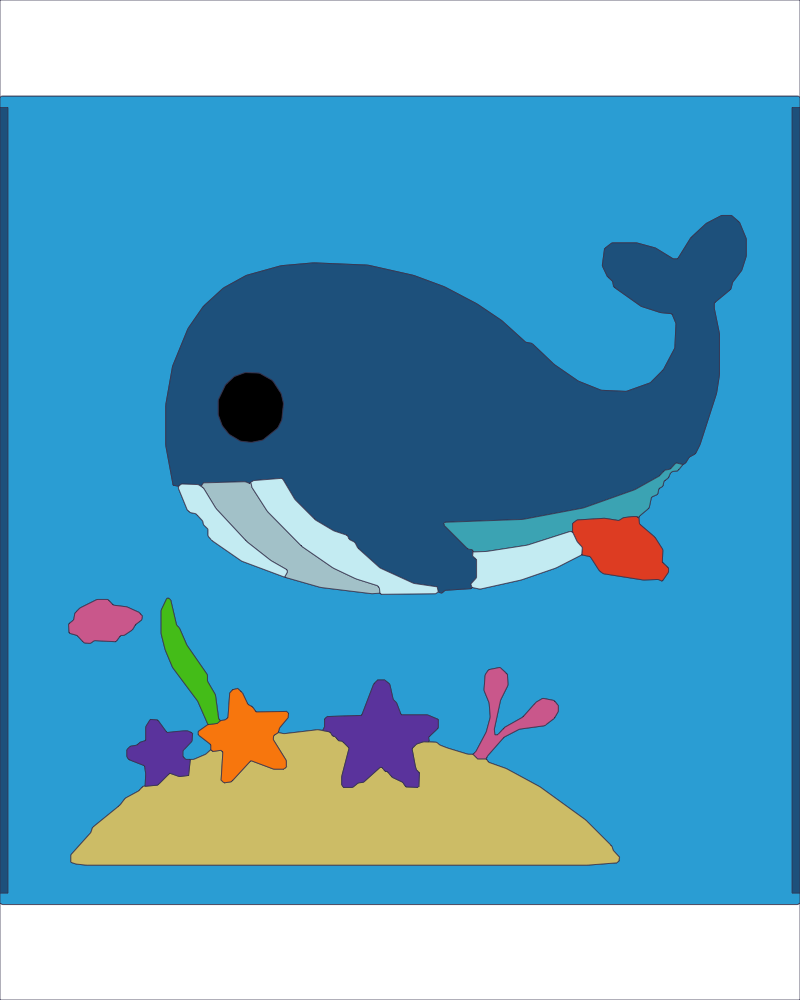
You can use the same comparison across different subjects. A simple whale might be easier to navigate than a very detailed flower, even when the child usually likes flowers more. Another flower picture may combine the preferred subject with broader spaces. The choice is therefore between particular pictures and modes, not a permanent ranking of which themes suit an age.
Understand what Kidsia's age modes mean
Kidsia's documented mode groups are 0–3, 4–6 and 7–9. They change features such as coloring regions, colors and numbers, while adult actions are placed behind a parental gate. Those are the app's available groupings. The presence of a 0–3 label is not advice that a baby needs screen-based coloring, and it does not determine a suitable session length.
Open the selected picture with the child and inspect the actual result of the mode. The same catalogue subject may be presented differently depending on the app's current options. Screens and labels can change between releases, so use the current product controls. Avoid inferring the active mode solely from a saved thumbnail or a picture shown in this article.
Use a short trial instead of a test
Let the child try a few areas and observe where help is needed. If finding the next area is confusing, simplify the view or the picture. If tapping is the problem, enlarge the working area where possible. If interest disappears, change the activity. None of those observations requires a conclusion about intelligence, attention or future ability.
Ask about the experience in concrete terms: which part was enjoyable, which area was hard to find, or what subject the child wants next. Avoid measuring the session only by whether the picture was finished. A child can explore colors, tell a story or choose a subject without completing every region.
Keep a range of options available
Use the Kidsia gallery to compare actual subjects, and the collection for kids to explore other Artia Club activities. For a broader afternoon plan, see indoor activities for kids. For observation games that use pictures differently, read attention games for children.
Choose a picture, a mode and a comfortable amount of adult help together. Then adjust after seeing the child use them. Age can narrow the initial search, but a clear preview and a short shared trial give you better information about this particular activity on this particular day.