
A ten-minute coloring break does not require a picture that can be finished in ten minutes. It requires an enjoyable place to start and a comfortable place to stop. This distinction makes picture choice easier: you can spend a short session on part of a large design, or give a small design more time without treating either choice as a mistake.
Adult coloring pages are often described as relaxing or intended for stress relief. Those labels do not tell you how a particular picture will feel to you. This guide focuses on observable features: the size of the spaces, the amount of searching and the kind of subject you want to look at. The examples are from Mandalia, with Colovia as another Artia Club option for people who prefer recognizable scenes to repeating patterns.
Decide what the available time means
First identify your stopping condition. Perhaps a meeting begins in ten minutes, dinner will need attention soon, or you have a longer evening with no fixed deadline. In the first case, choose a small unit of work you can leave comfortably. In the second, an interruptible activity matters more than completing a certain percentage.
Do not use a picture's region count as a stopwatch. Narrow shapes can take longer to locate than broad ones. Some people enjoy inspecting the pattern; others prefer steady filling. The same picture can therefore occupy very different amounts of time. Estimates in this guide describe ways to structure a session, not measured completion times or promises about speed.
For ten minutes, reduce the number of decisions
Choose a familiar app and an obvious starting area. A ring of large petals, one clear object or a few neighboring spaces makes a useful short task. If you spend most of the break browsing the catalogue, save an appealing picture for next time instead of treating the browsing as wasted effort. Selecting a subject can be part of the activity.
Avoid adding several new challenges at once. A new device, unfamiliar controls and a dense pattern all require attention before coloring feels straightforward. For a short first session, learn one control and fill a few spaces. You can return later when the relationship between the picture and the available tools is already familiar.
For twenty minutes, choose a section with variety
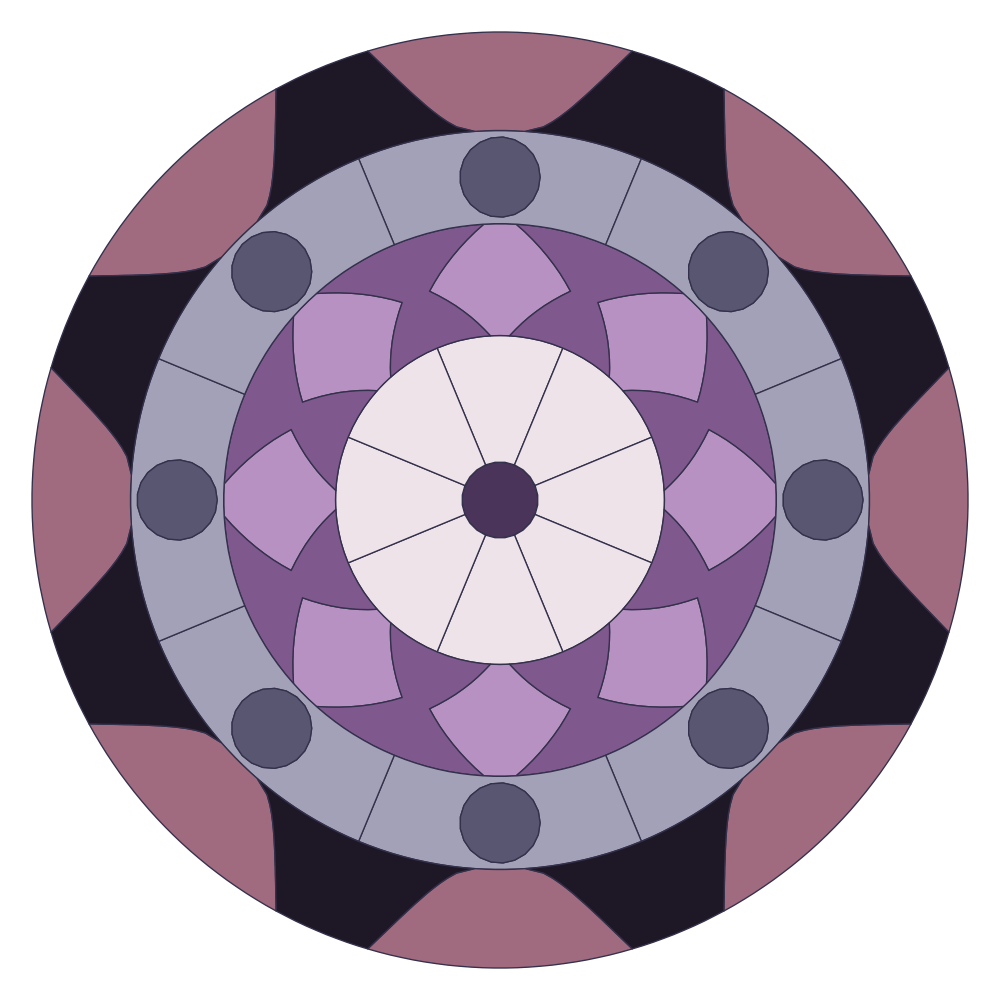
A somewhat longer break gives you room to alternate between broad spaces and finer detail. Select an area that contains both. You might complete the larger petals first, then inspect a smaller border. This changes the kind of attention you use without needing to switch apps or choose a completely new picture.
Decide how you want to recognize progress. Completing a ring, defining a flower or bringing one object into view can feel more concrete than chasing a percentage. If a color includes scattered spaces across the whole image, finishing that color may involve more searching. Choose that approach when searching is enjoyable, rather than assuming it is the correct way to work.
For forty minutes, leave room to change direction
A longer session can accommodate a denser pattern, but it does not obligate you to choose one. You may enjoy taking your time with a simple picture. You can also divide the session between coloring, stepping away from the screen and returning to inspect the whole result. The duration is an opportunity, not a productivity target.
If small spaces become difficult to see, adjust the zoom and position before continuing. Repeated inaccurate taps or constant searching can tell you that the current view is uncomfortable. You do not need to push through to justify the time you have already spent. Stop, change the view or choose another activity when that makes more sense for you.
Compare subject as well as complexity
A geometric design and an illustrated landscape ask you to notice different things. Repetition in a mandala can make the next space predictable. A landscape offers recognizable objects and changes of texture. Neither is inherently more suitable for a quiet break. Consider whether you want a repeated sequence or the gradual appearance of a scene.
Use Mandalia for an example of the patterned approach, or browse the Colovia gallery for scenes. The catalogue preview is the right place to inspect the subject before entering the activity. A finished thumbnail may conceal tiny divisions, so look closely enough to judge the working spaces as well as the overall image.

Remove pressure you do not find useful
If a timer, record or shared session makes the activity feel hurried, choose a solo activity and avoid optional competitive goals. Check the current interface for the settings available to you. Do not assume that every release offers a switch for every displayed element. You can decide not to pursue a record even when one is visible.
Likewise, a daily picture is an invitation, not a duty. Continuing yesterday's unfinished work is a reasonable choice. Coloring should not become another obligation simply because the app has a catalogue, a calendar or a completion indicator. There is no need to describe an ordinary creative break as treatment or to judge your mood by how much of a picture you finish.
Make returning straightforward
Before leaving, note which part you want to work on next and check that the work is available in the app's saved projects. If you use more than one device, verify the account and synchronization rather than assuming that all sessions share progress. Avoid leaving important work in a temporary guest session that you intend to clear immediately afterward.
For help comparing patterns, read the first mandala guide. For a different type of short break, compare attention games for adults. The quiet creativity collection brings relevant Artia Club apps together. Choose the subject and stopping point first; the clock can remain a practical boundary around the activity, without becoming its main purpose.