Artia Club logoArtia Club
English ▾

Browse by theme

Animals

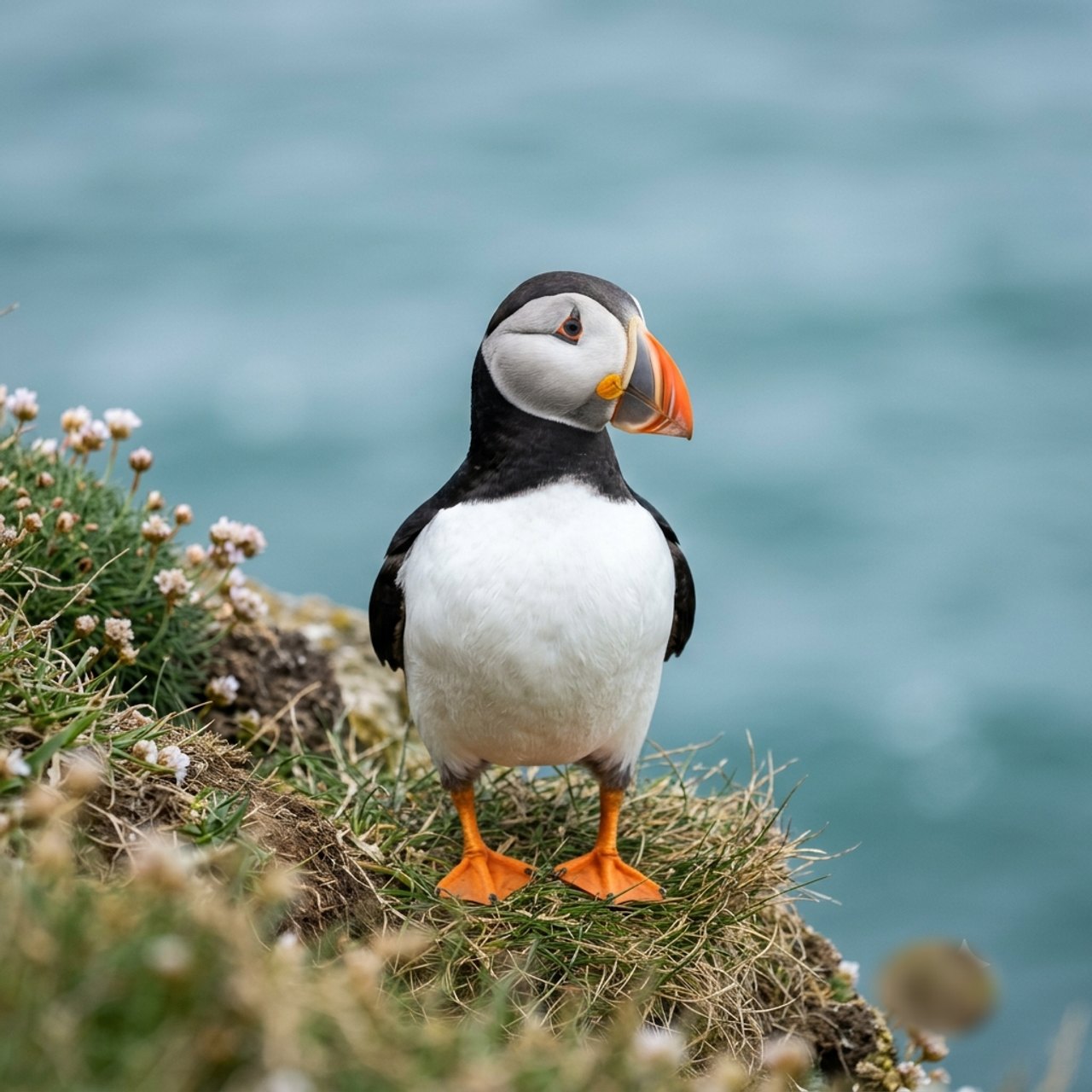
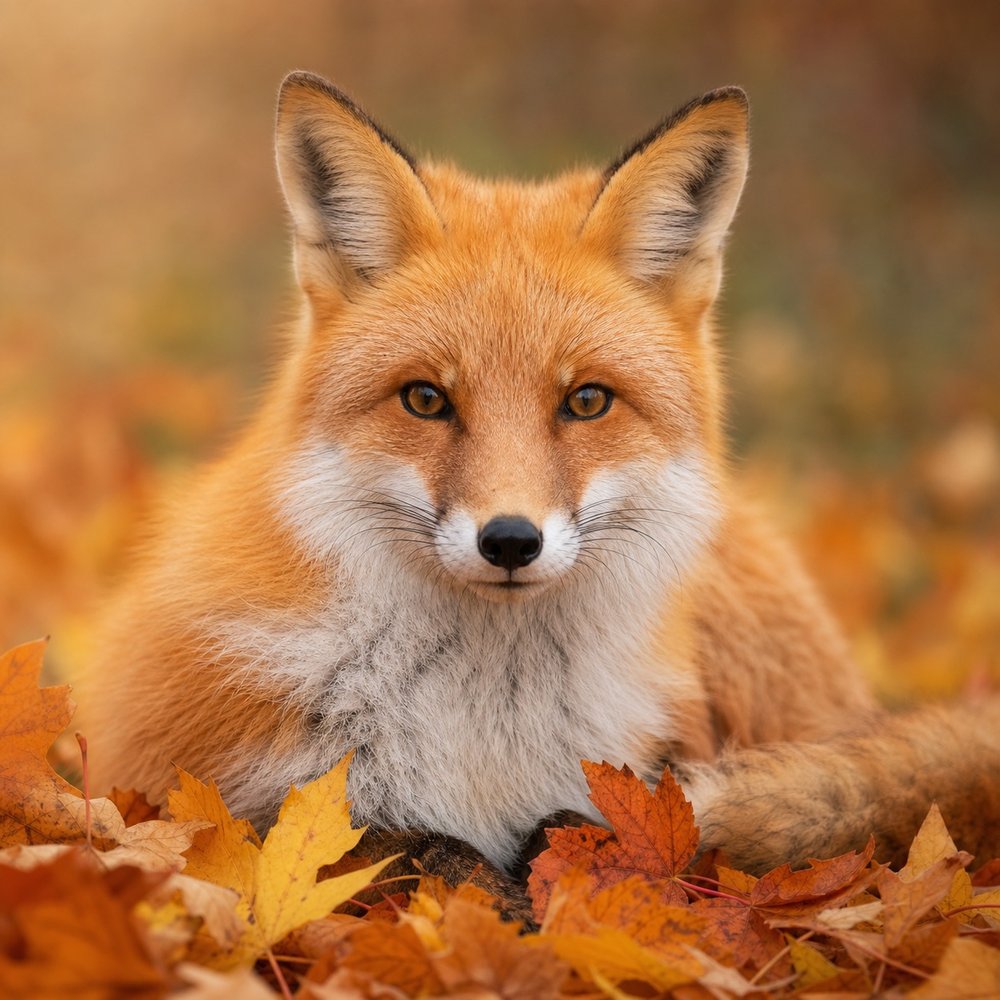
Choose an animal first, then decide whether you want to follow colour numbers, fit a silhouette together, read a grid or reveal markings little by little. The catalog ranges from one bright duckling to feathered birds, spotted cats and dense wildlife scenes, so the subject can stay familiar while the kind of attention changes. Choose by visible detail and structure; no picture comes with a promised finish time.

Why this theme works — and how the activities are built

Animals work because eyes, ears, beaks and body outlines give clear landmarks. Fur, feathers, spots and scales then add texture when you want more decisions. The apps do not share one conversion: each keeps the catalog artwork but rebuilds it as numbered regions, pieces, cells, stitches, stones, clues or a removable cover.

Counts and properties come from the current Artia catalog snapshot, not from estimated search volume.

What you can make from Animals — and why each way feels different

Colour by number in Colovia

The image is split into numbered vector regions and each number points to the picture palette. The current catalog records 32 to 4,891 regions per picture. Fur gradients, plumage and contrasting markings make numbered colour changes readable.

See matching pictures — Colovia

Build a jigsaw in Puzzia

A seeded rows-by-columns cut gives neighbouring pieces opposite tabs and slots, so the board geometry stays consistent. Catalog levels run from 3×4 to 20×25, or 12 to 500 pieces. Heads, paws, wings and tails give a piece or grid a shape you can search for.

See matching pictures — Puzzia

Fill pixel art in Pixia

The source becomes a 70×70 grid with 4,900 cells. Catalog palettes contain 2 to 24 colours, so the outline and colour blocks carry more weight than tiny photographic detail. Heads, paws, wings and tails give a piece or grid a shape you can search for.

See matching pictures — Pixia

Colour in Kidsia

Pictures use 3 to 86 numbered regions and palettes of 3 to 15 colours. The catalog alone supplies explicit 0–3, 4–6 and 7–9 age bands. Fur gradients, plumage and contrasting markings make numbered colour changes readable.

See matching pictures — Kidsia

Place stones in Gemmia

Each numbered colour becomes a set of stones to place. Current pictures contain 451 to 4,491 stones and 2 to 20 colours, so highlights and repeated edges become the working rhythm. Small changes around eyes, stripes and feathers reward careful comparison and gradual reveal.

See matching pictures — Gemmia

Colour a darker picture in Scaria

The picture is reduced to a 70×70 numbered grid with palettes of 8 to 24 colours. The darker catalog changes the mood, while the task remains cell-by-cell colouring. Fur gradients, plumage and contrasting markings make numbered colour changes readable.

See matching pictures — Scaria

Follow a cross-stitch chart in Stitchia

The picture becomes a counted grid from 40×30 up to 120×120. Catalog charts contain 1,200 to 14,400 crosses and palettes of 10 to 30 thread colours. Heads, paws, wings and tails give a piece or grid a shape you can search for.

See matching pictures — Stitchia

Solve a nonogram in Crossia

Row and column clues reveal a monochrome or limited-colour silhouette instead of showing the picture at once. The catalog offers 10×10, 15×15, 20×20 and 25×25 grids. Heads, paws, wings and tails give a piece or grid a shape you can search for.

See matching pictures — Crossia

Reveal it in Scratchia

A cover hides a grid of about 2,300 cells and the gesture removes that cover. The activity is recognition by gradual reveal rather than choosing colours or placing pieces. Small changes around eyes, stripes and feathers reward careful comparison and gradual reveal.

See matching pictures — Scratchia

Look for differences in Differia

Two versions of a scene contain 5 to 10 recorded differences. Progress comes from comparing shapes, edges and small changes rather than rebuilding the source. Small changes around eyes, stripes and feathers reward careful comparison and gradual reveal.

See matching pictures — Differia

Pictures you can start with

Each card is one catalog concept. Apps are joined on a card only when the normalized English title and the recorded source artwork are both the same.

How the same subject changes by medium

A tiger in Colovia is read as adjoining colour regions; in Puzzia the face and outer contour become anchors for pieces. Pixia compresses stripes into blocks, Gemmia turns highlights into repeated stones, and Crossia removes the colour so the animal must survive as a logical silhouette.

Colour by number in Colovia

Fur gradients, plumage and contrasting markings make numbered colour changes readable.

Build a jigsaw in Puzzia

Heads, paws, wings and tails give a piece or grid a shape you can search for.

Place stones in Gemmia

Small changes around eyes, stripes and feathers reward careful comparison and gradual reveal.

Quick, calm or challenging?

Choose by the amount of structure you want, not by a promised finish time: people work at different speeds and every catalog picture is different.

A short stop

Choose a large subject, a small grid or fewer puzzle pieces. You can leave the work and return instead of racing a countdown.

A calm session

Use numbered regions, stones or a medium puzzle. Timers can be hidden in the calm modes described by the apps.

More challenge

Pick a dense image, more numbered regions or a larger grid in one of the eligible apps. More cells and repeated details mean more decisions.

Three useful starting points

Clear animal portraits

One face or full body gives a strong outline and fewer competing landmarks.

Texture-rich wildlife

Feathers, scales, spots and long fur make a denser colour, stone or grid task.

Animals found in several apps

Use the shared-source cards to compare what the same catalog artwork becomes.

Questions people ask

Are there easy animal coloring pictures?

Start with animal pictures that have one clear subject, broad areas or the smallest available grid. “Easy” is not a fixed label across every app, so the chooser shows the actual mechanic and the cards keep their catalog properties.

Are animal coloring pictures suitable for kids?

animal pictures can suit children when the mechanic matches the child. Kidsia is the only catalog here with explicit 0–3, 4–6 and 7–9 age bands; for the other apps an adult should choose from the visible grid, palette and detail level.

Which animal coloring pictures are challenging for adults?

For a denser animal pictures activity, choose repeated texture, close colours, more numbered regions or the largest grid shown by an eligible app. Challenge comes from recorded structure rather than an “adult” badge.

Can I color or build animal pictures online?

Yes. Open a animal pictures card and follow its app link. The app filter on this page only changes the visible cards; it does not create a separate catalog or hide the other available formats from the main page.

Related themes